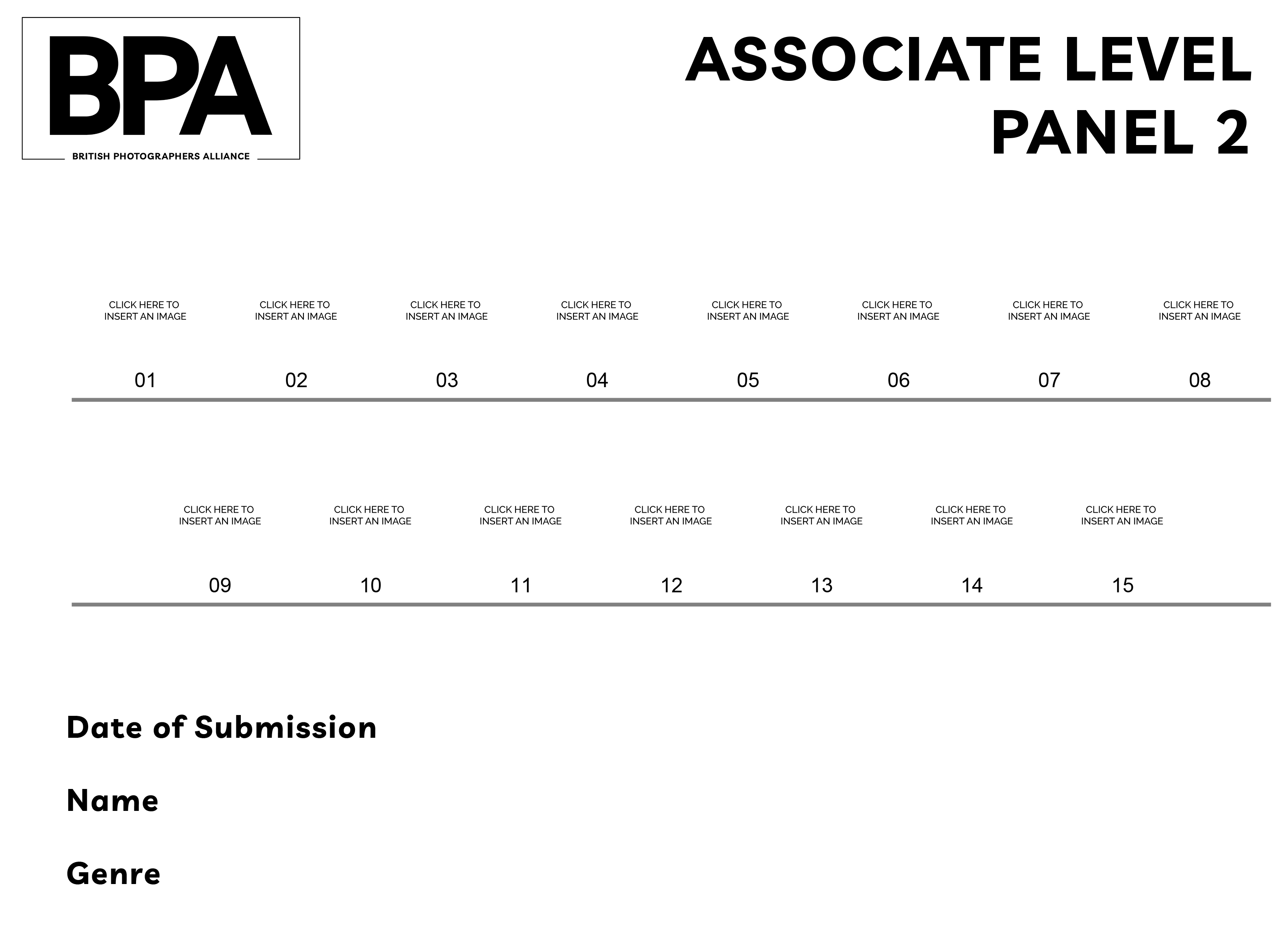
We've made it easier than ever to apply for your Licentiate accreditation. Our online application process allows you to submit your application and required materials, including 10 digital images together with a contact sheet, all from the comfort of your own home.
We always recommend starting with the Licentiate, unless you're an experienced photographer, in which case you may choose to apply for our Associate Accreditation first.
If you're applying for the Licentiate, your submission should consistently demonstrate an understanding of light control, colour harmony and balance, thoughtful composition which adds to the subject, also In camera skills exhibiting exposure control aligned with post production.
Technical and Artistic Requirements:
- Consistent demonstration of light control across all images.
Clear understanding of color harmony and balance.
Thoughtful composition that enhances the subject matter.
Strong in-camera skills showing exposure control.
Post-production work that aligns with and supports capture technique.
Panel Presentation:
- 10 images with professional digital mounting/borders.
Uniform border style and dimensions throughout.
Logical panel arrangement showing technical competency.
Assessment Criteria:
- Images examined at 100% magnification.
Technical evaluation of light control and exposure.
Color management.
Composition principles.
Post-processing precision.
Overall technical execution.
Author Quality Control Checklist:
- Review technical aspects at 100% zoom.
Verify consistent light control across panel.
Check color harmony and balance.
Confirm strong compositional elements.
Ensure post-production complements original capture. - Verify consistent border dimensions across pane.
Remember:
- While this is an entry-level qualification, each image must demonstrate fundamental mastery of both technical and artistic elements, with particular attention to light control, composition, and post-production quality.
Guidelines for Submitting Digital Images - Licentiate:
- 10 images in JPEG format sequentially numbered 01 to 10 with no prefixes whatsoever.
- A separate contact sheet of all ten images must also be included, showing a copy of your presentation order.
- Each file should not exceed 2 MB
- Keep the images to 2000 pixels on the longest edge.
- The files should be placed in a single folder and inserted into a zip folder for electronic Transfer.
- Submission type will be either In Camera, Composite or Artistic and must be included in the folder name.
- All digital submissions must have consistant borders.
- Use of workshop or training day images are not permitted for qualification submissions, unless you are the trainer/ educator of the event.
The folder should be named as follows:
- Your_Name_Category_Submission_Type_LBPA
- When you have your digital submission completed and are ready to submit for judging, please make your payment (a receipt will be immediately issued and forwarded to you). Forward your submission (and a copy of your presentation order), to head office for FREE via We Transfer – [email protected]
In the case of all submissions, your application should be in a singular discipline, i.e. LANDSCAPES, DOCUMENTARY, SPORT, PORTRAIT etc.
Please note:
- For digital submissions your images will also be presented one at a time in numerical order. This will be done twice.
- We're here to support you throughout the process, so please don't hesitate to contact us if you have any questions or concerns. ([email protected])
- Further advice on submissions and the requisites for a successful Licentiate application is available via the ‘Pathway Mentoring’ programme.
- Applying for your Licentiate Accreditation has never been easier thanks to our online application process and you can enter your images as digitals straight away.